Client
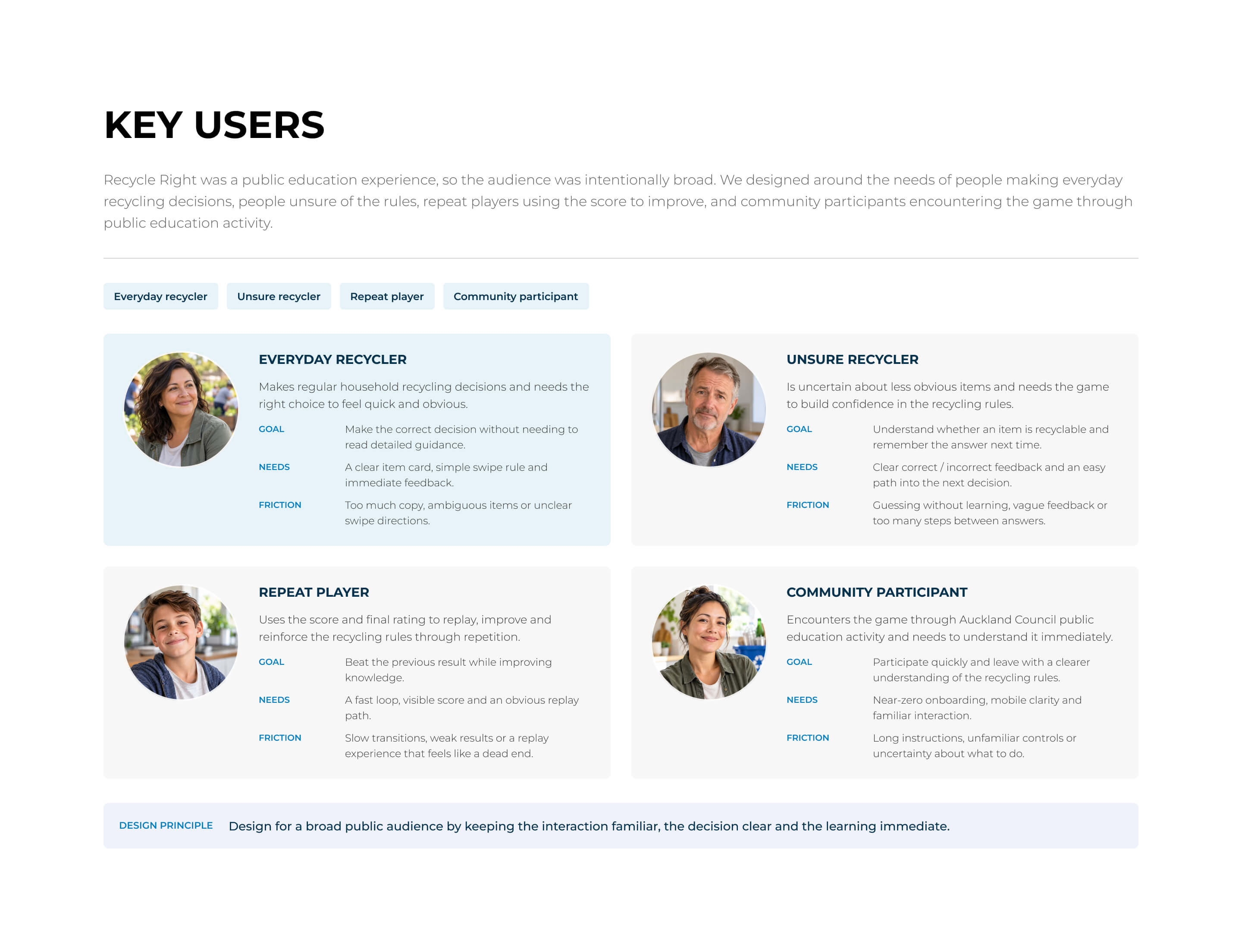
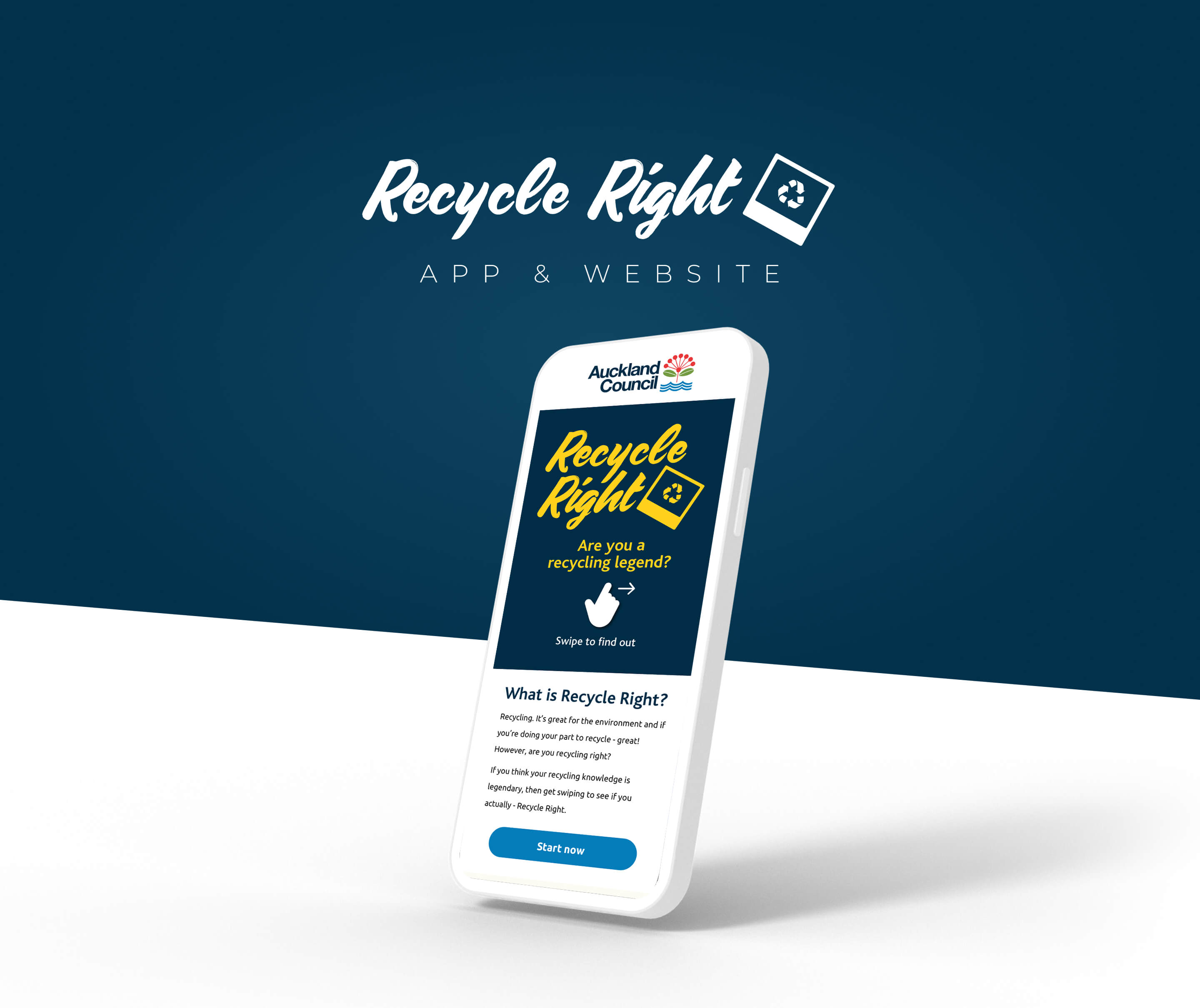
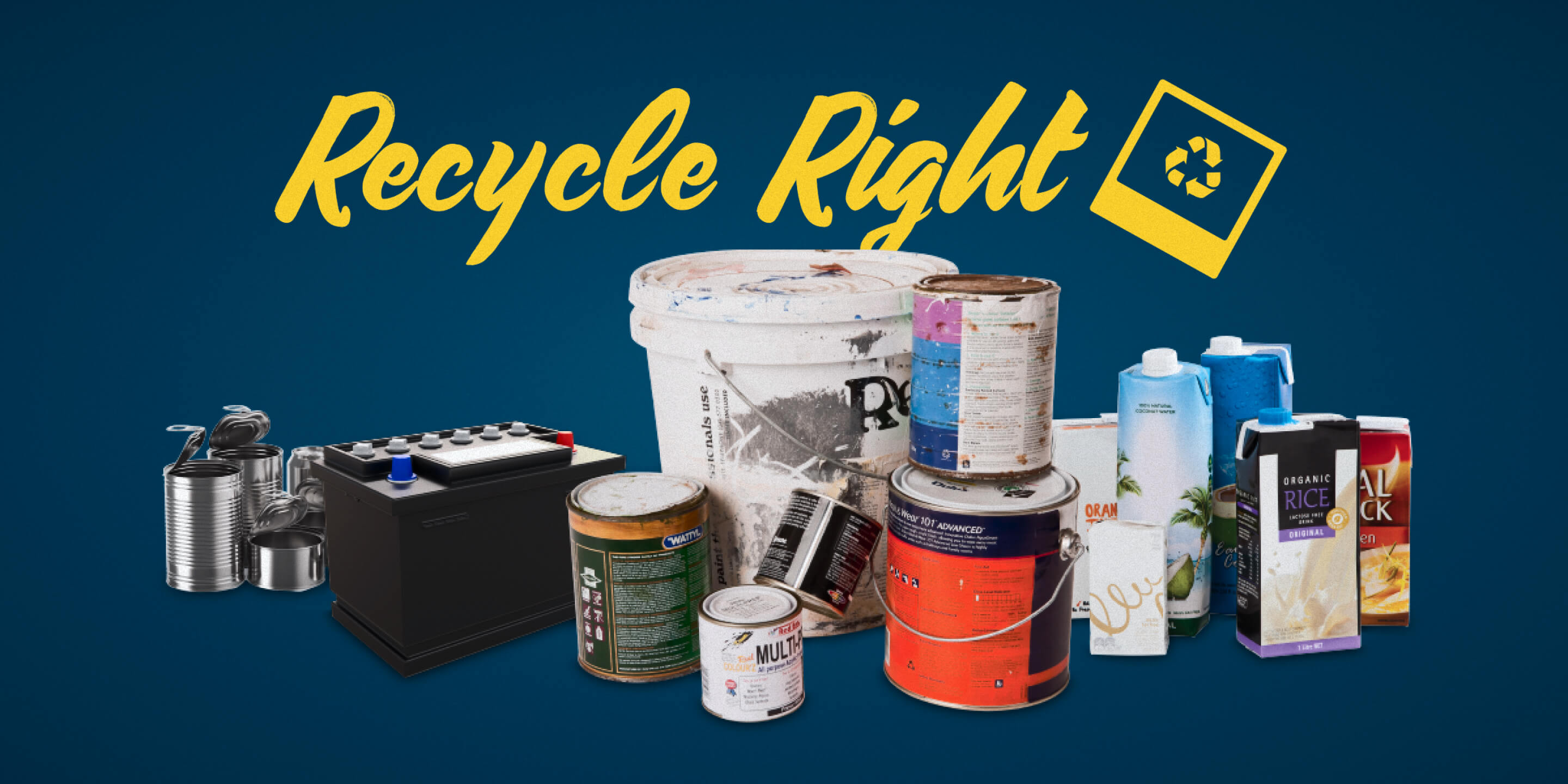
Recycle Right is an Auckland Council public education initiative helping people understand what can and can’t go in household recycling.
Problem
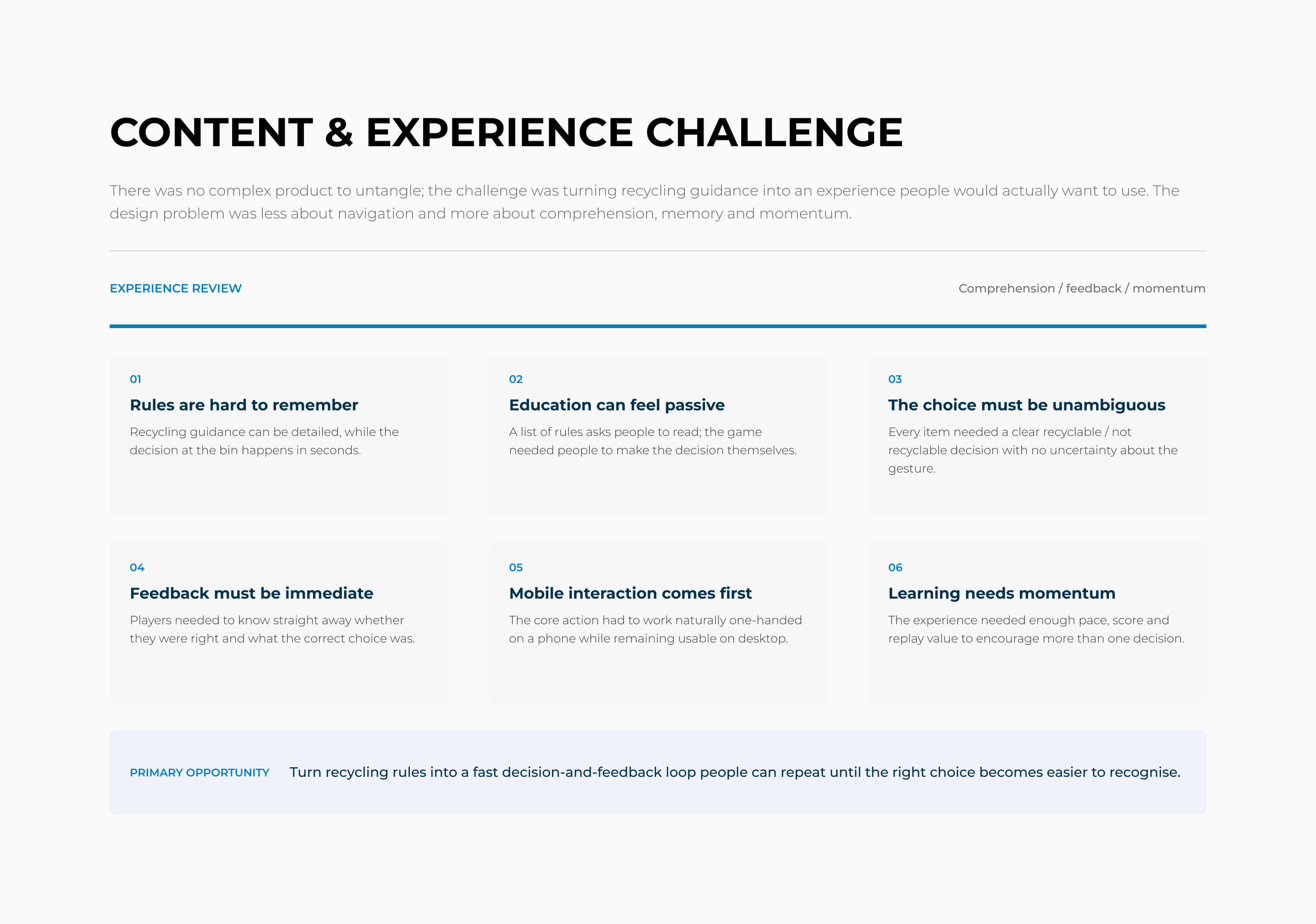
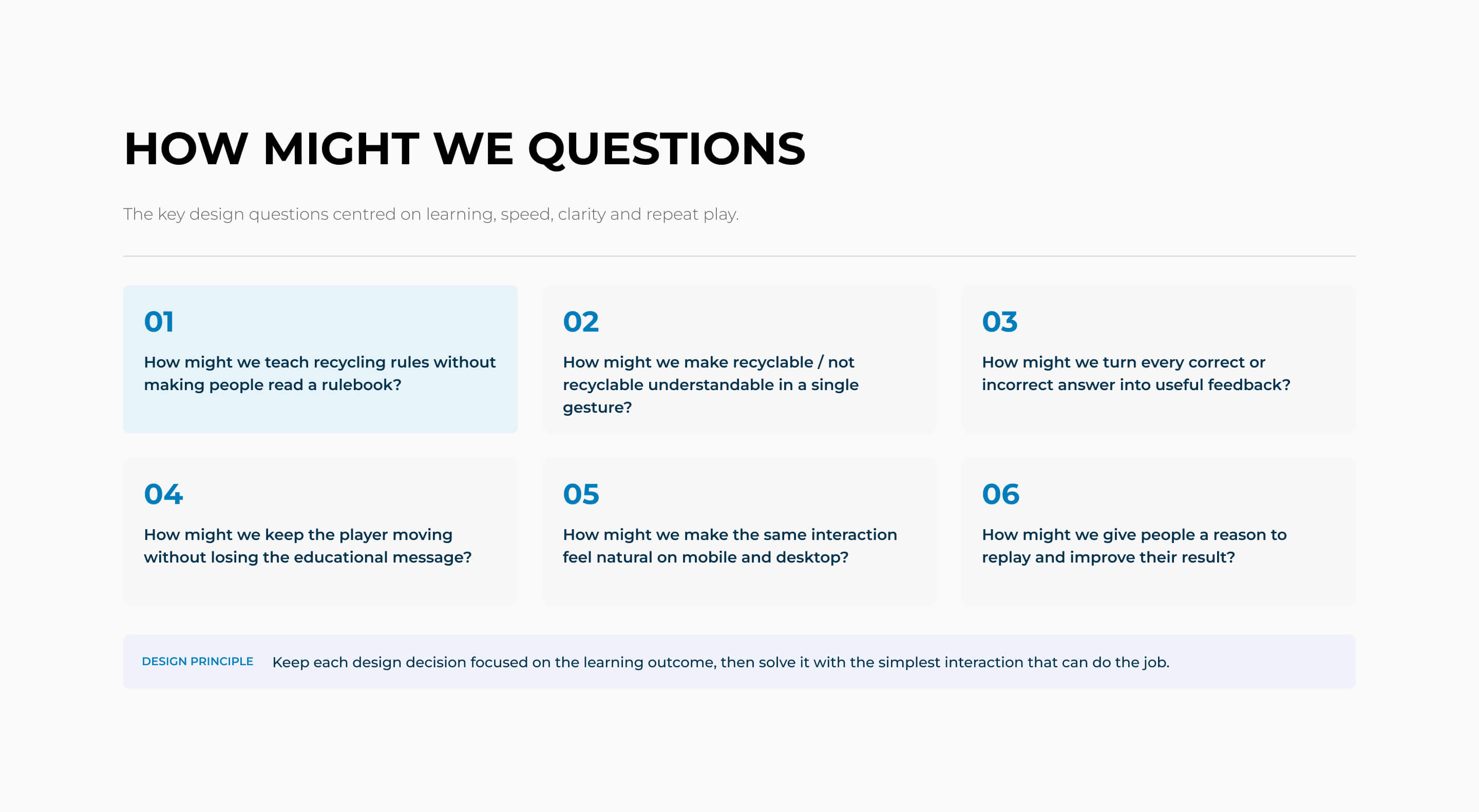
Recycling rules can be difficult to remember, and a conventional information-heavy experience would have put the burden on people to read and interpret them. We needed a simpler way to turn the rules into something quick, engaging and easy to learn.
Strategic framing
Get Aucklanders who are unsure what belongs in recycling to build confidence in everyday recycling decisions, by turning the rules into a familiar swipe-based game with immediate feedback, so correct choices become easier to recognise and remember.
Solution
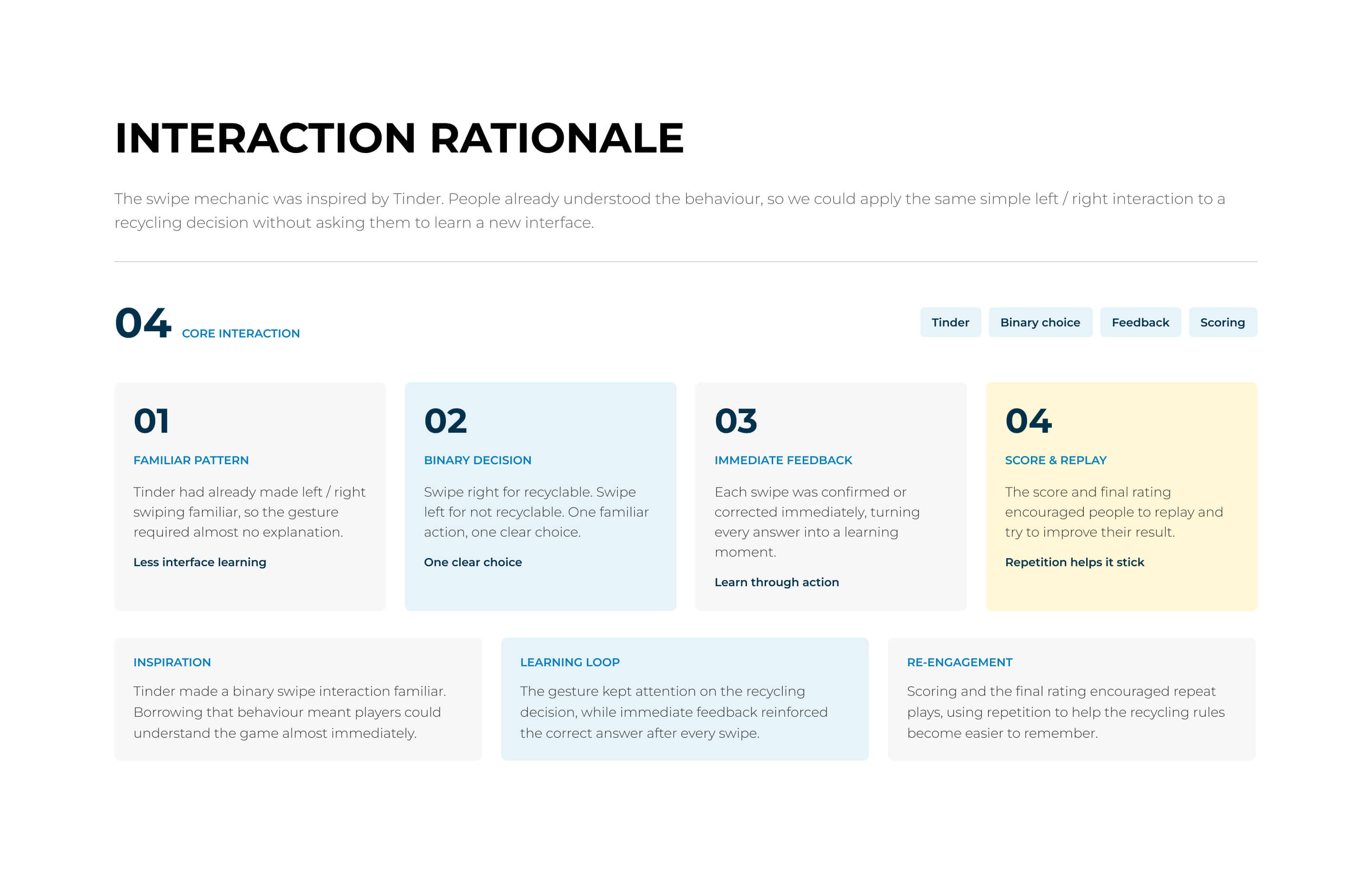
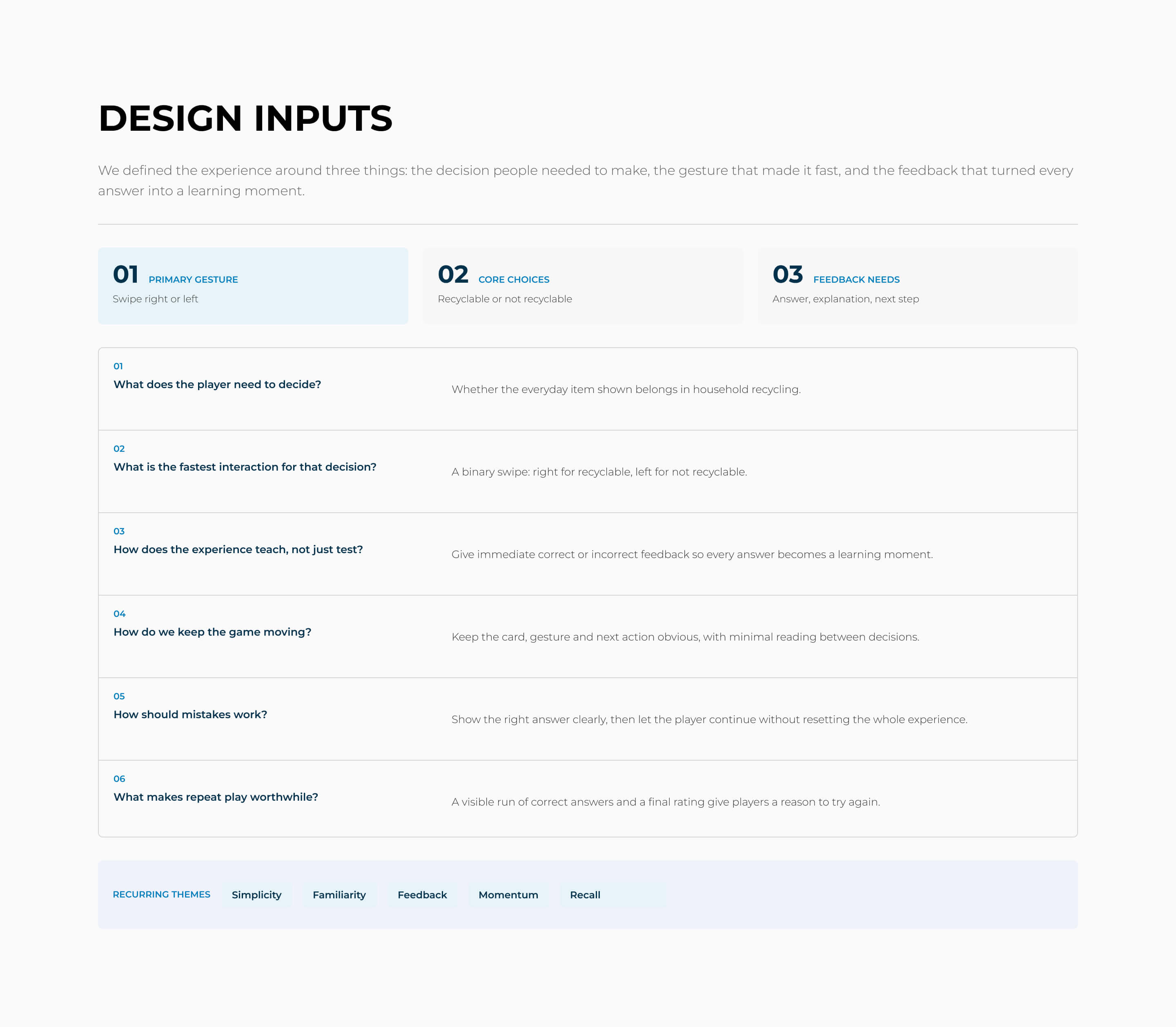
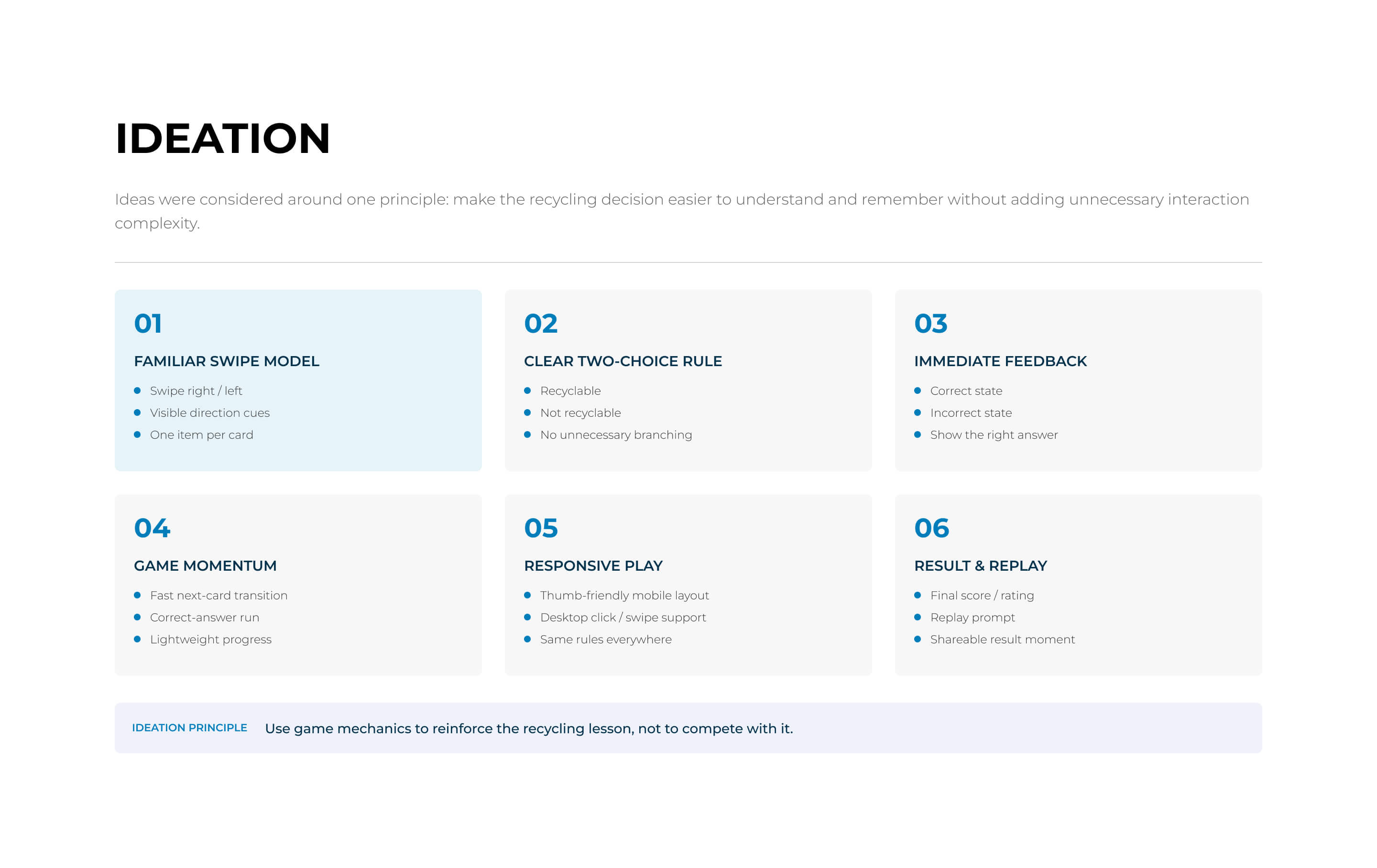
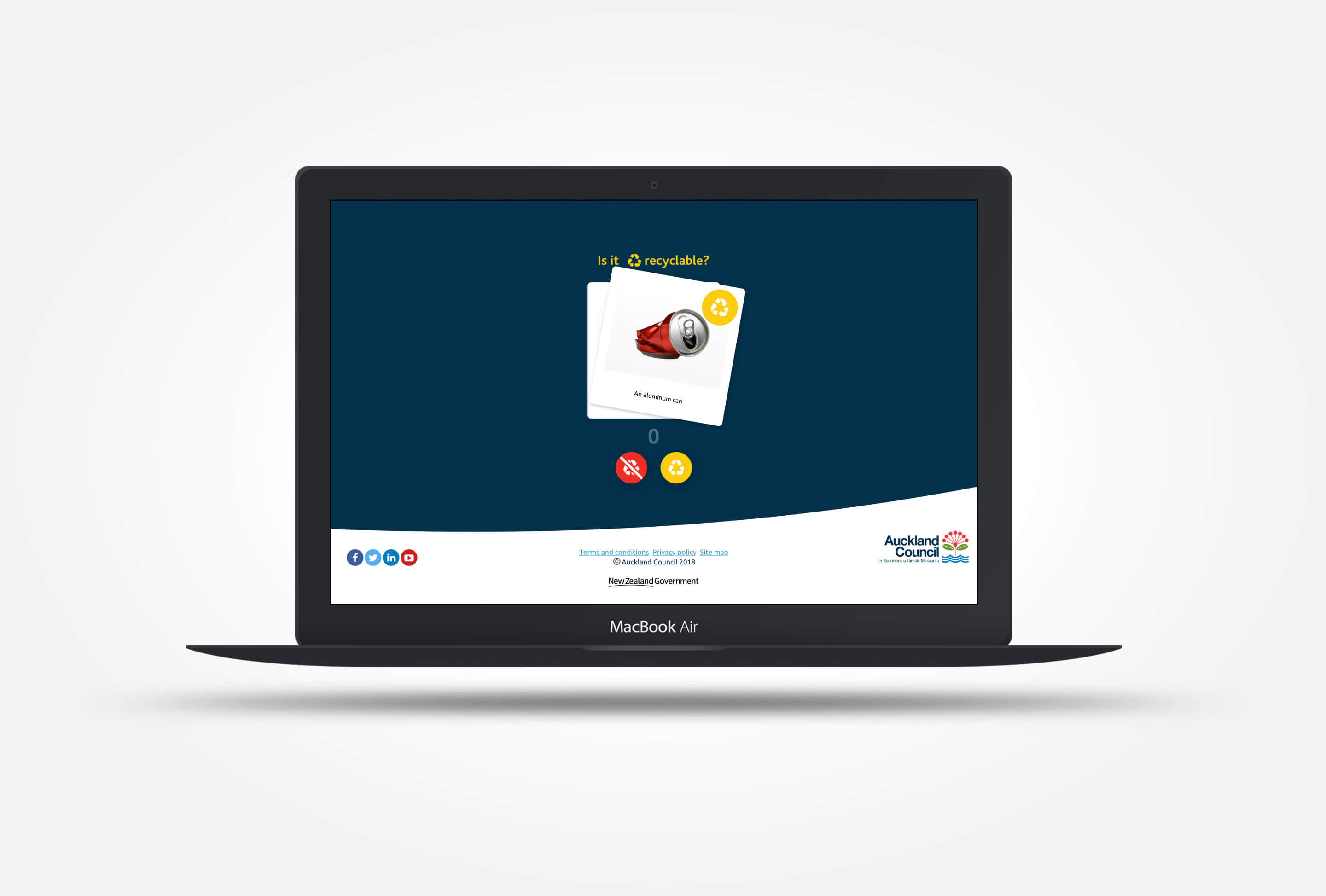
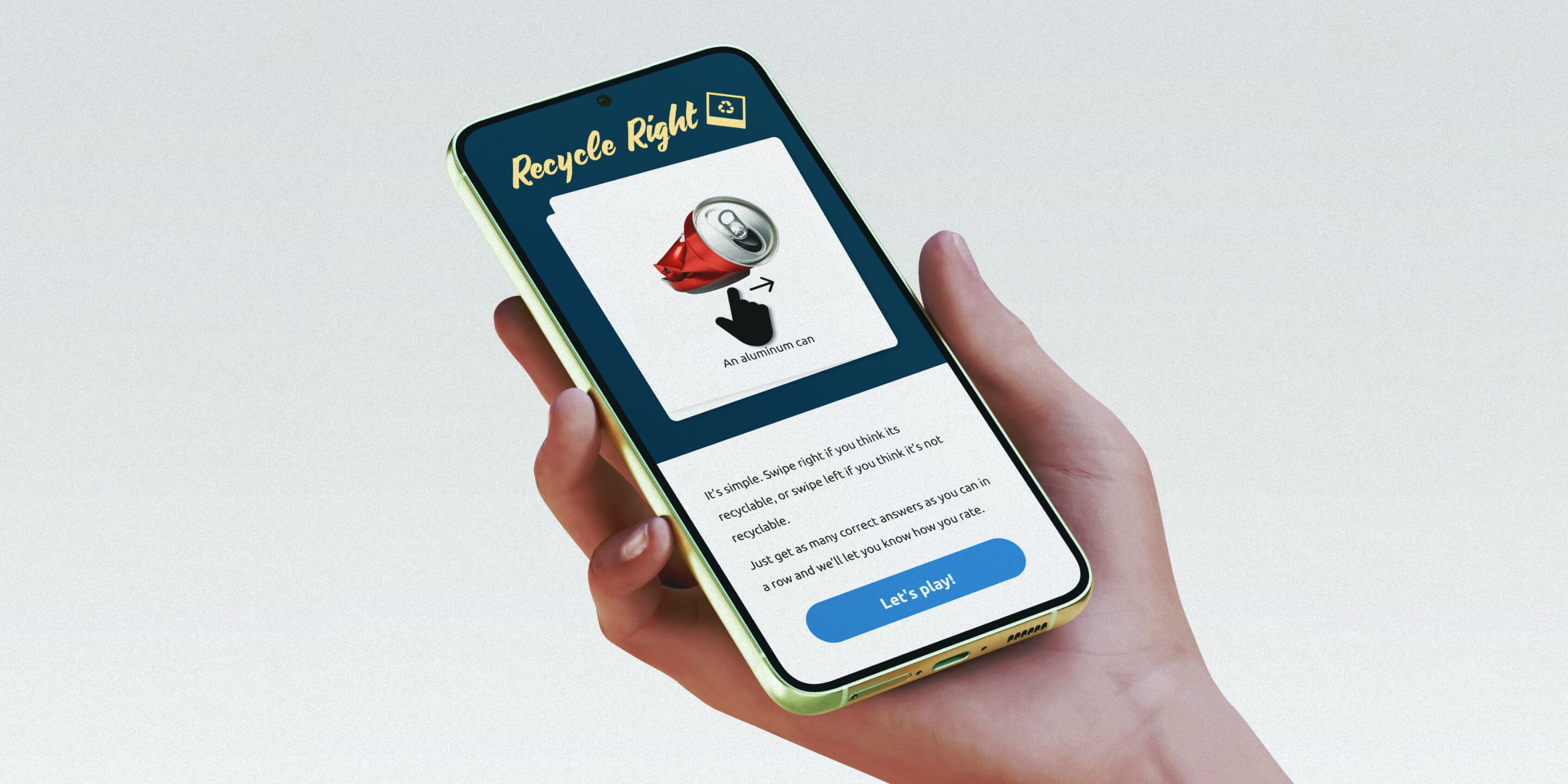
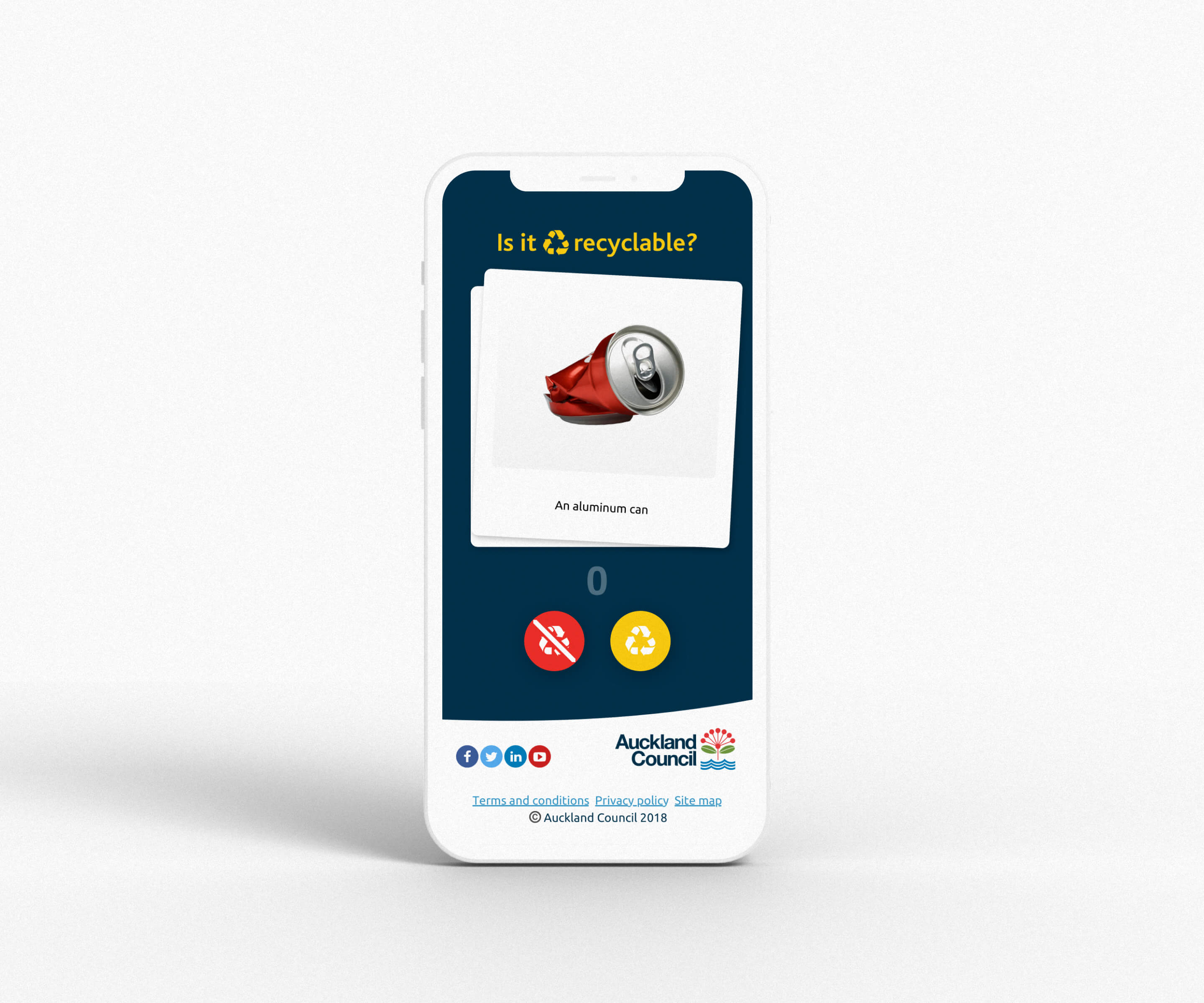
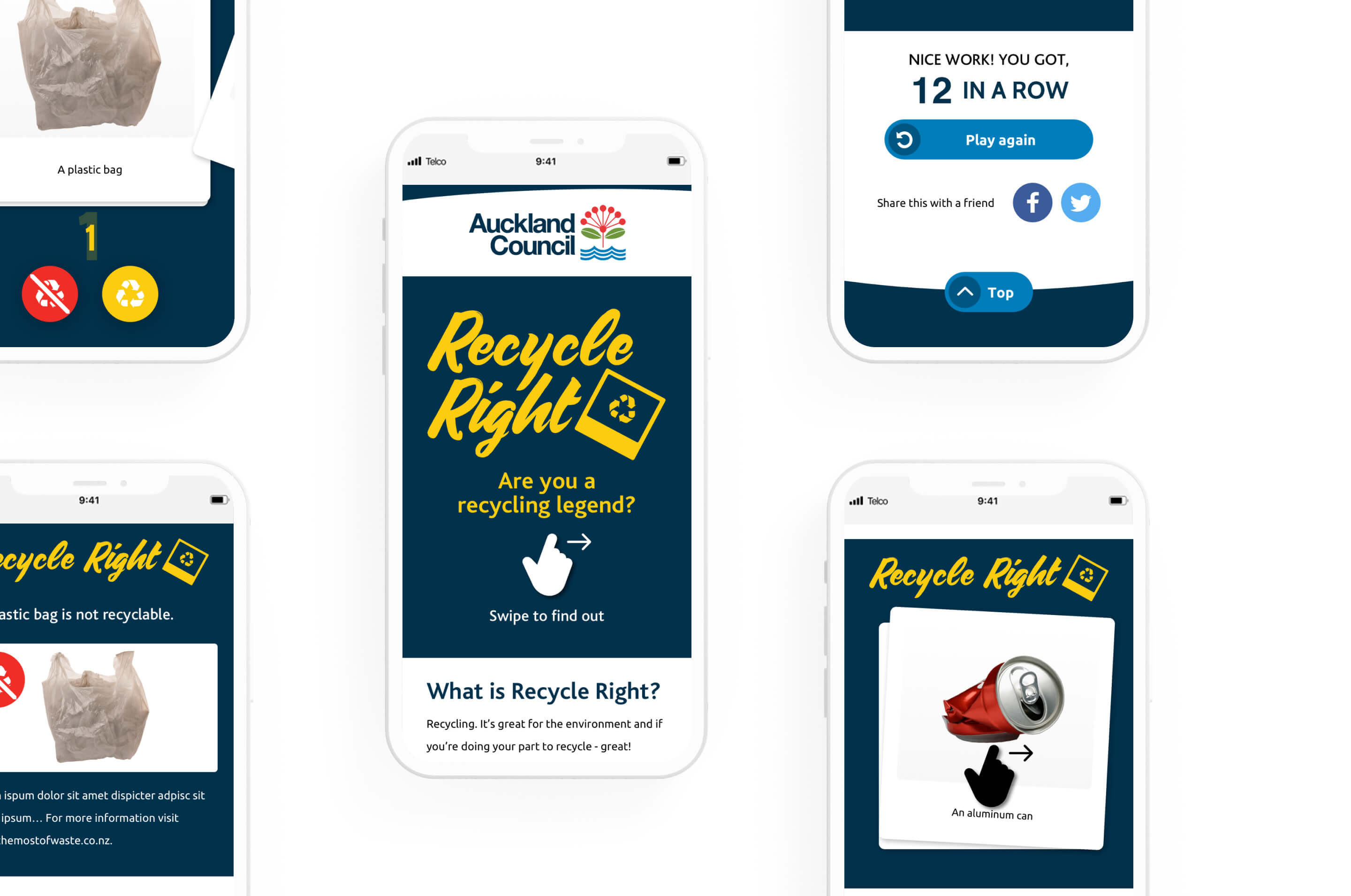
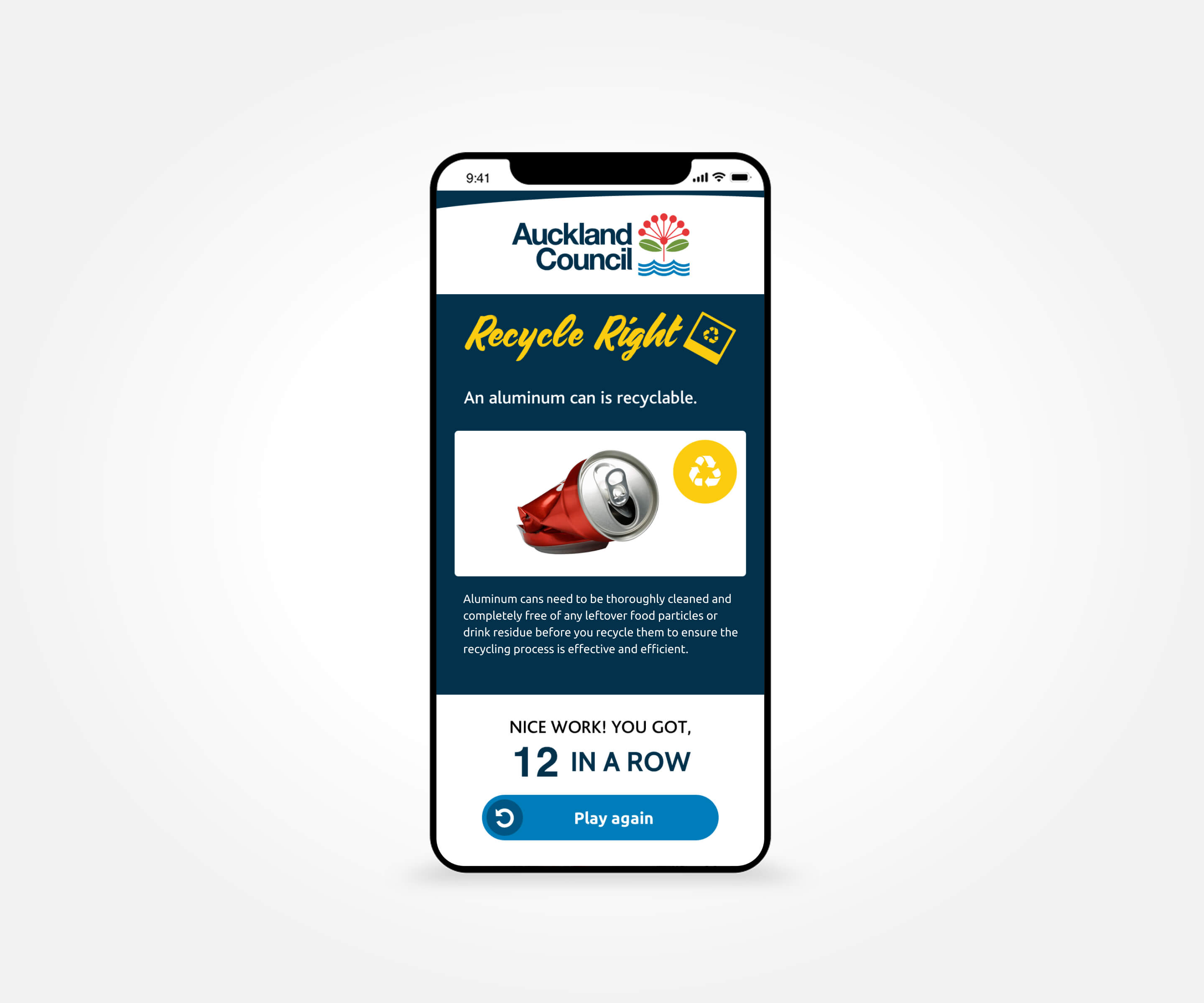
We designed and built a responsive gamified experience around one simple decision: recyclable or not recyclable. Players swipe right or left on everyday items, receive immediate correct or incorrect feedback and try to build the longest run of correct answers.
The familiar interaction keeps the learning curve low and makes the education feel more like play than instruction.
WEB APP LAUNCHED NOVEMBER 2018

Design System
Recycle Right needed to stay recognisably within Auckland Council’s brand guidelines while giving the game enough personality to feel more playful than a typical council information experience.
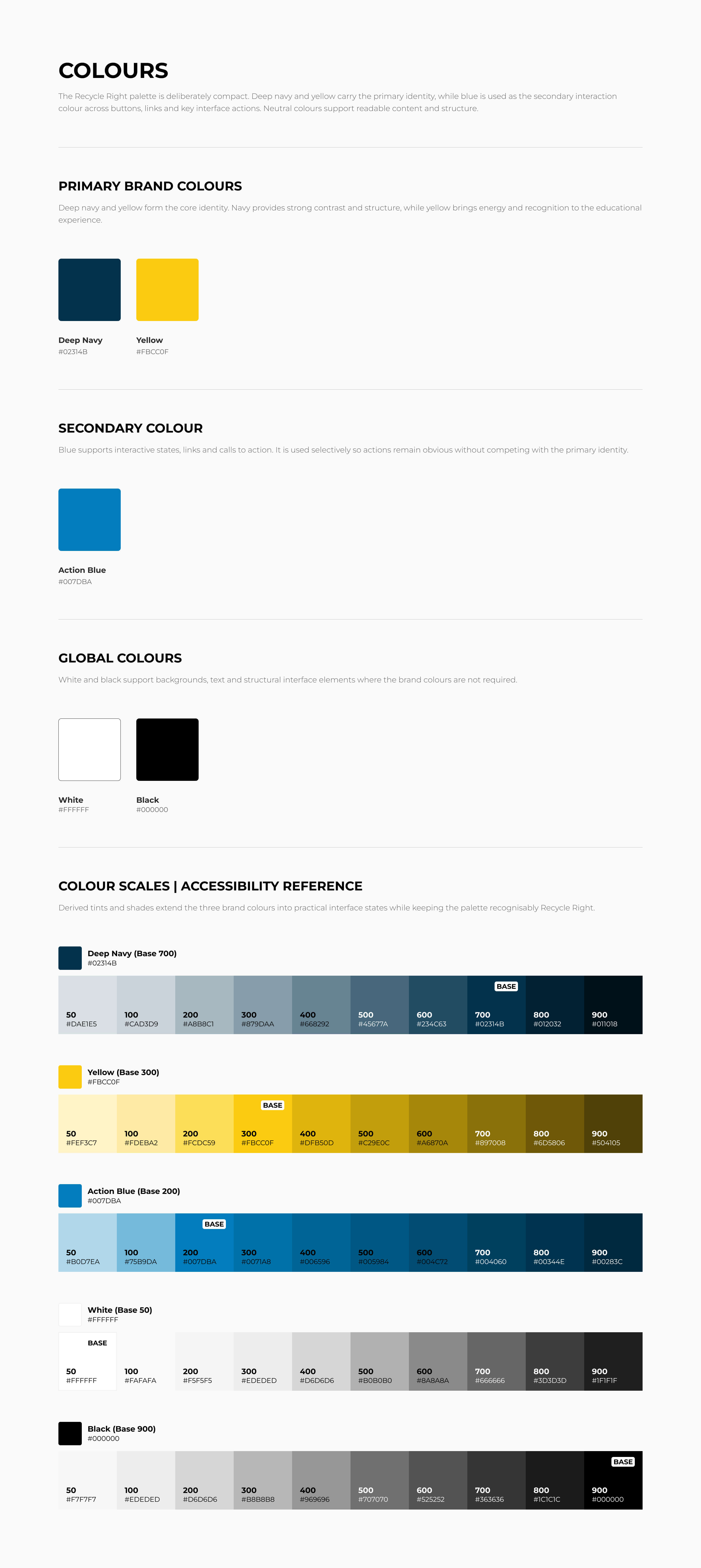
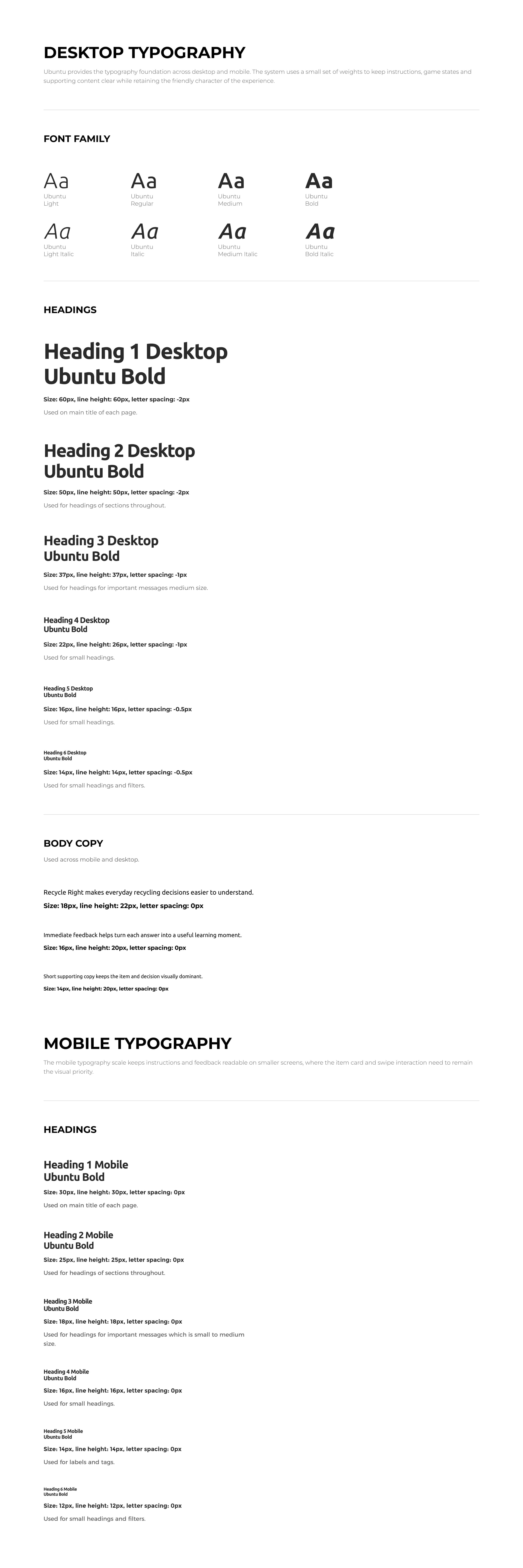
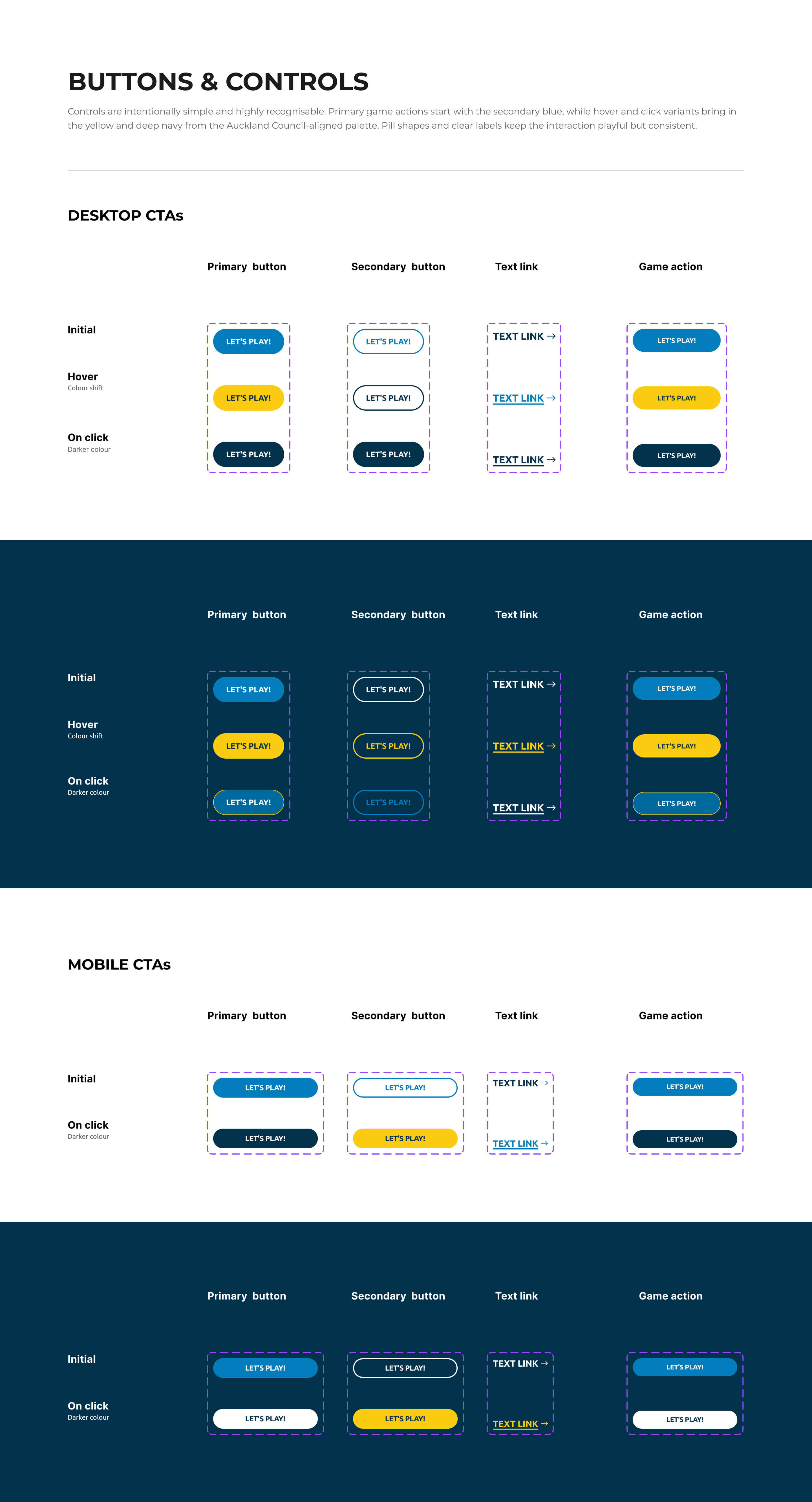
We kept the core brand foundations, including Ubuntu and the navy, yellow and blue palette, then pushed the system slightly through larger feedback states, pill-shaped controls and more energetic interaction patterns.
Reusable components kept the experience consistent across desktop and mobile, while giving the game enough flexibility to feel engaging without losing its connection to the parent brand.
UX Strategy & Design
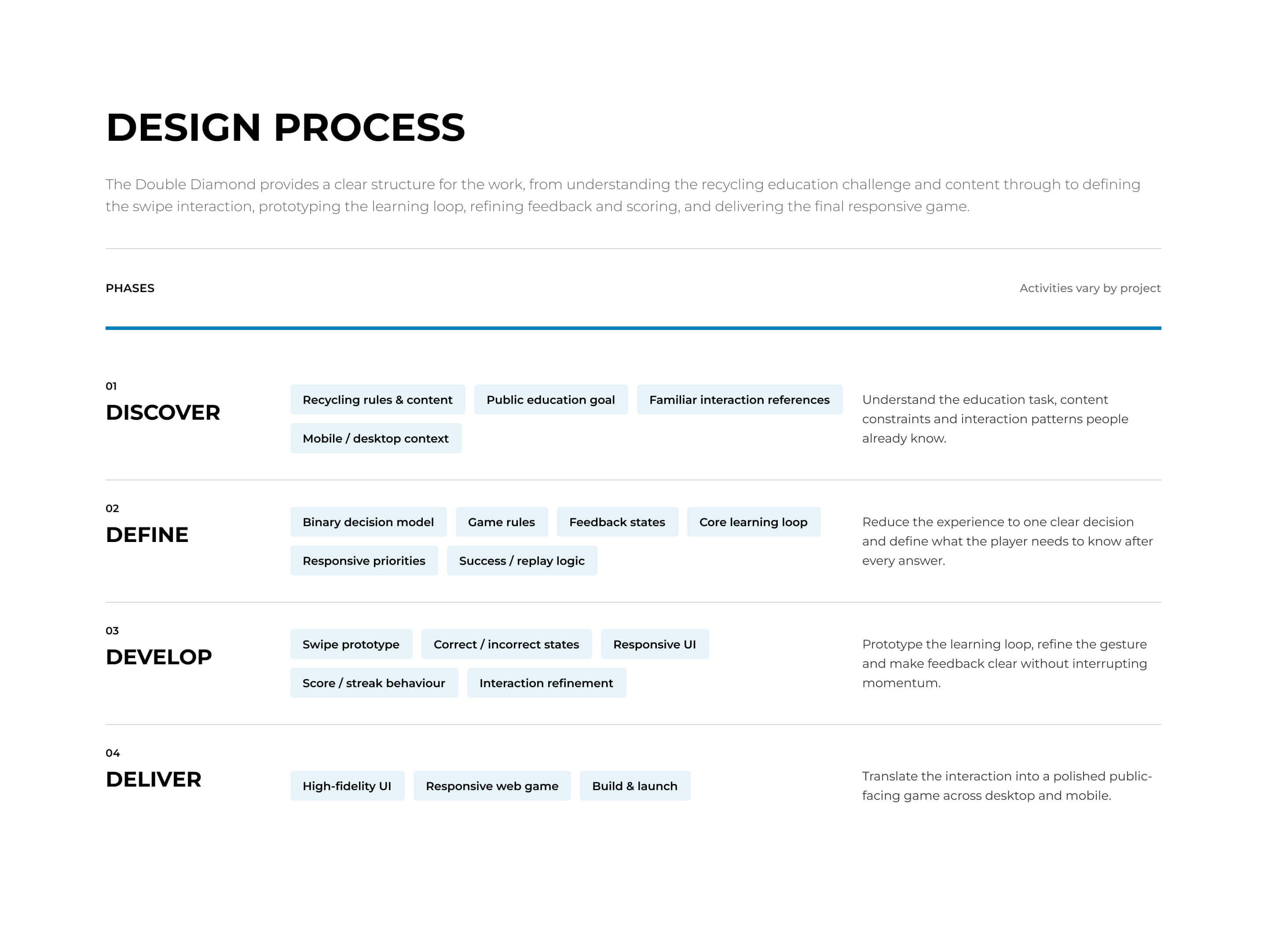
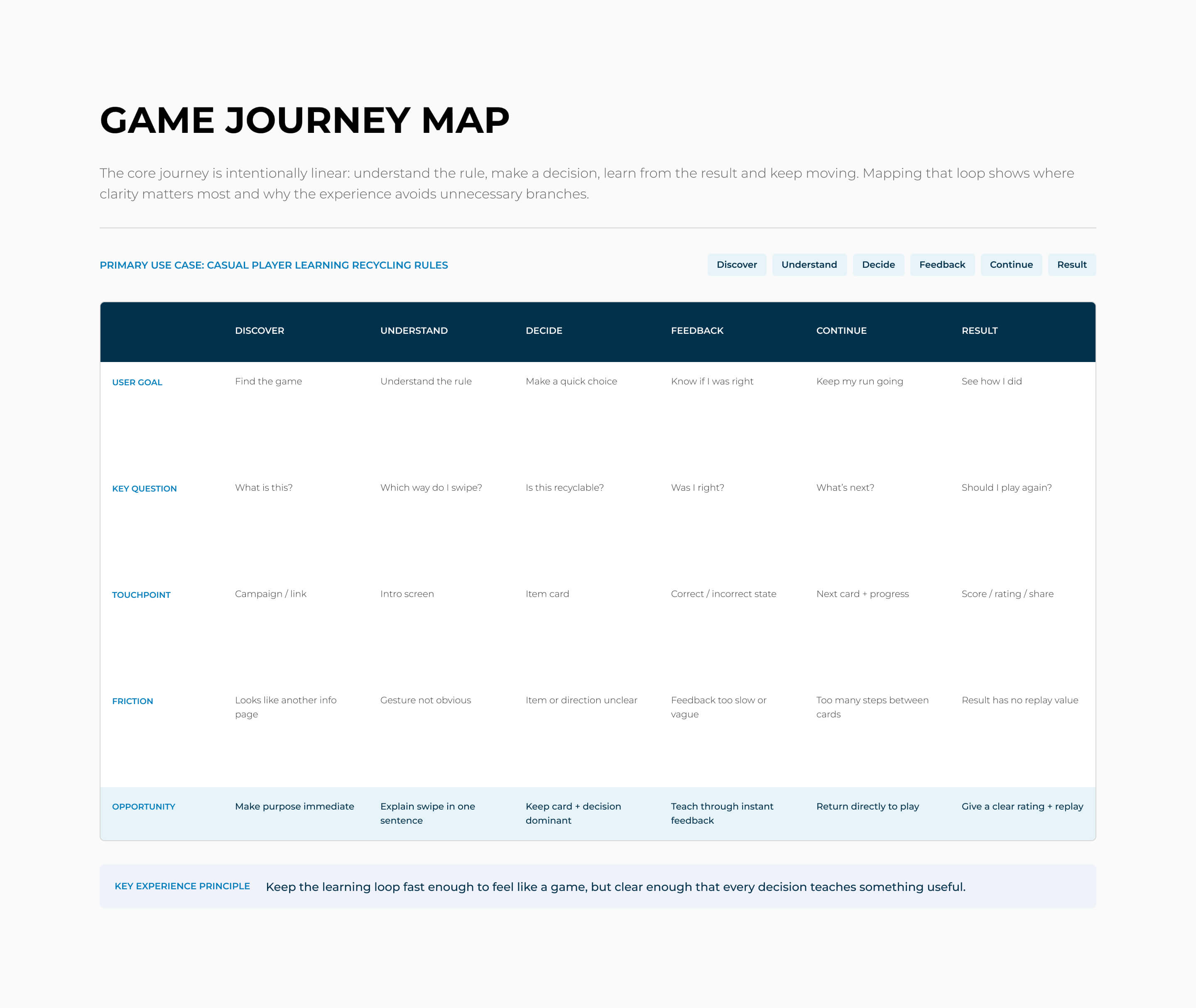
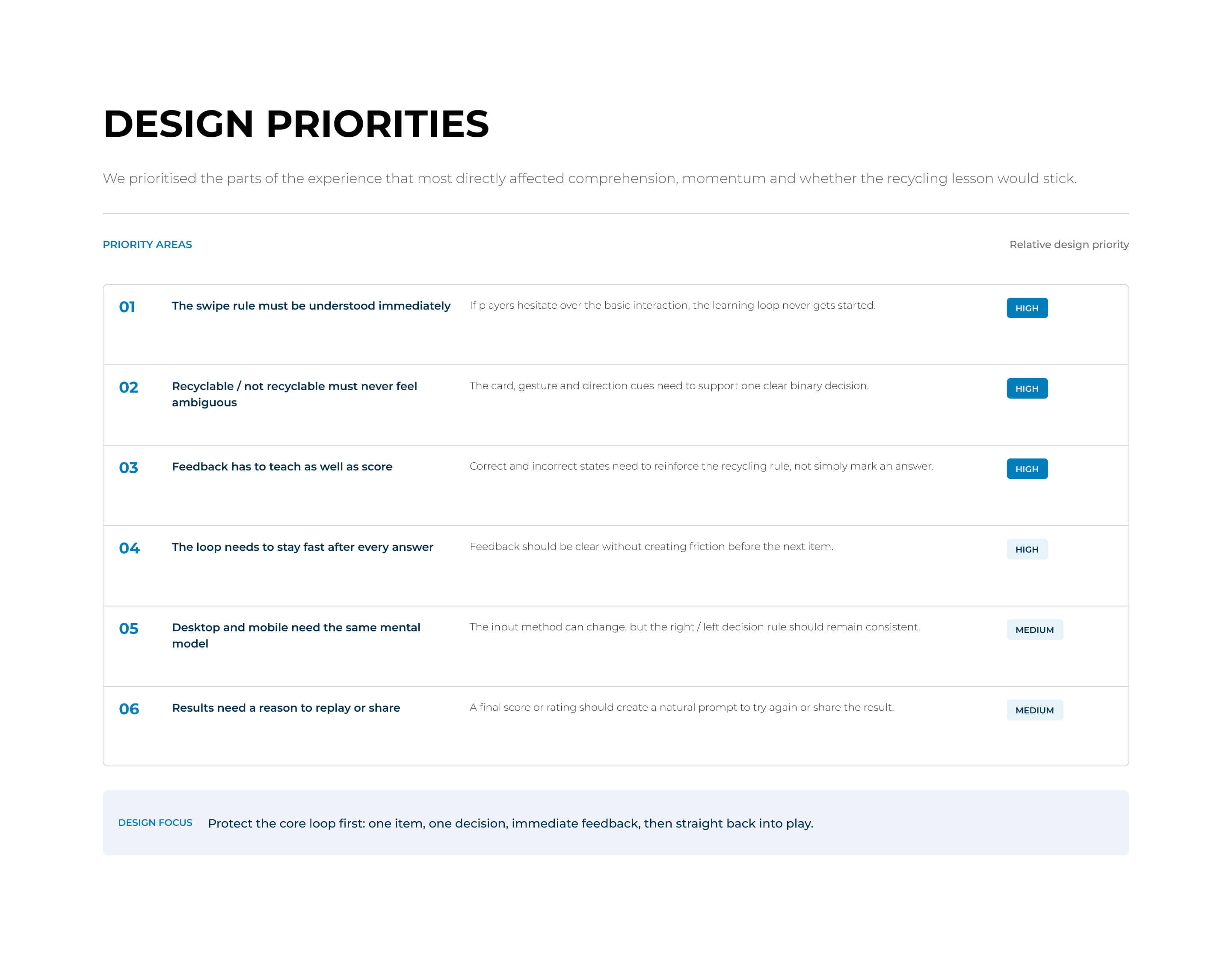
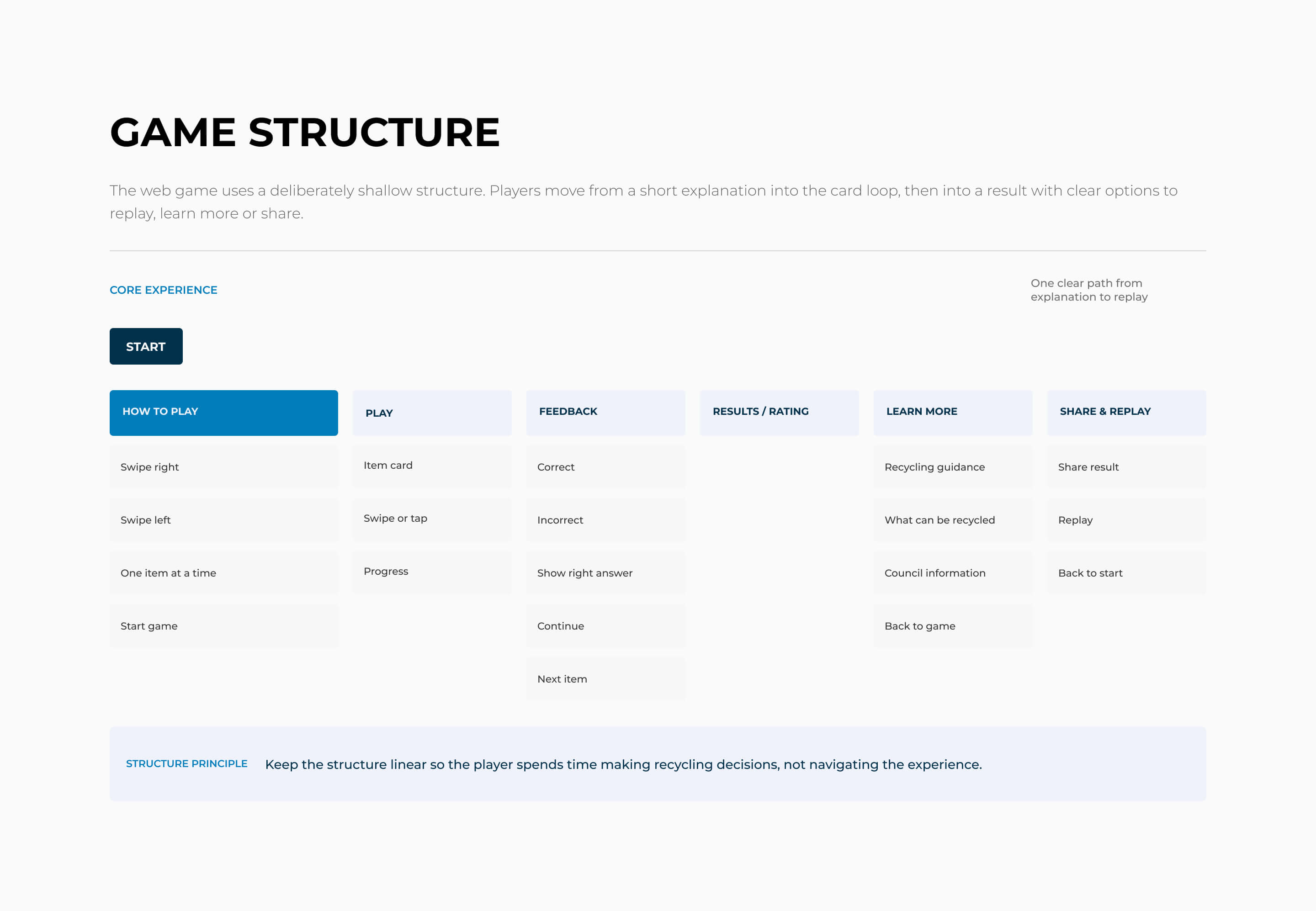
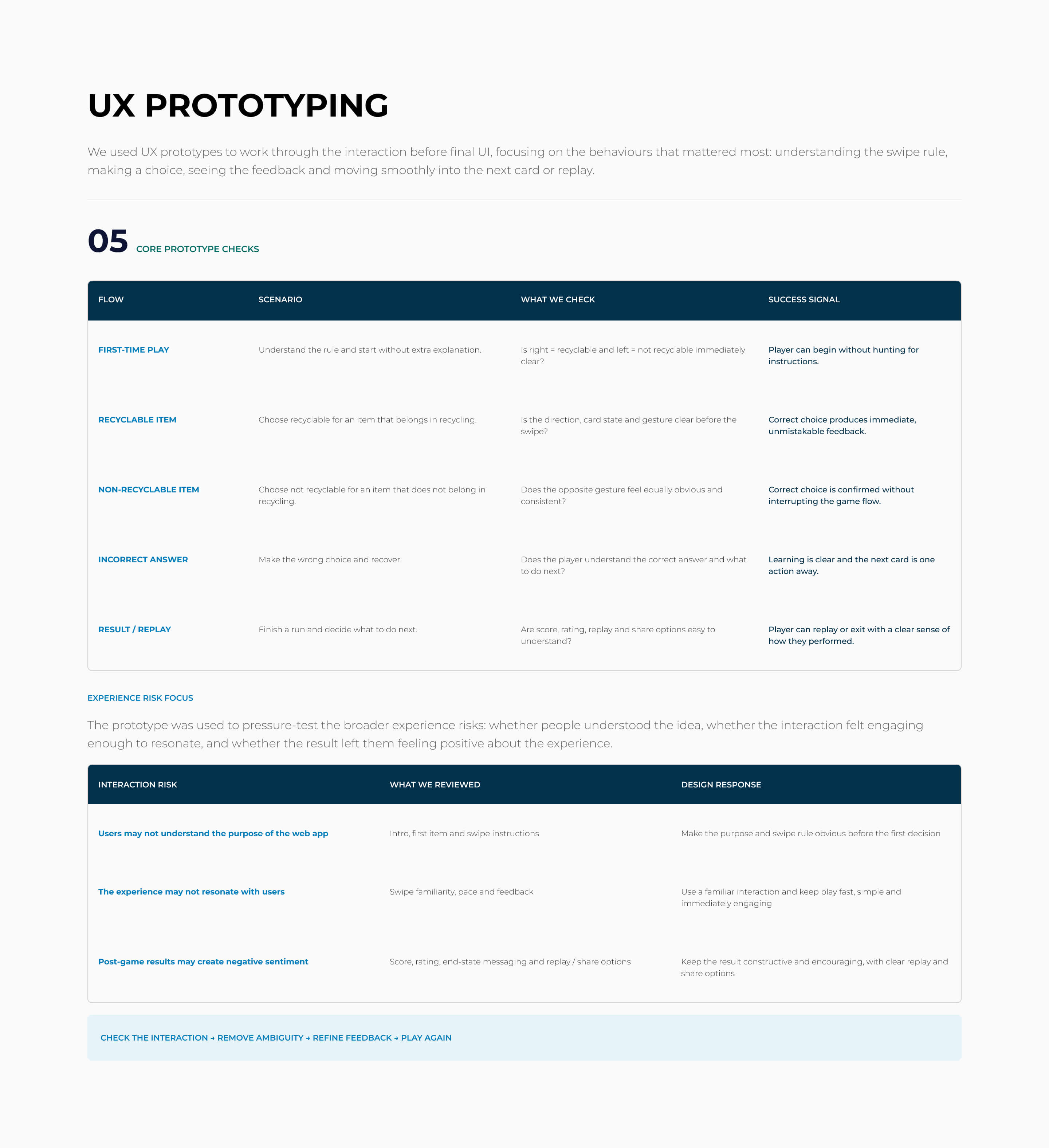
The UX challenge was small in screen count, but high in interaction clarity. People needed to understand the game immediately, make a binary decision without hesitation and learn from the feedback without losing momentum.
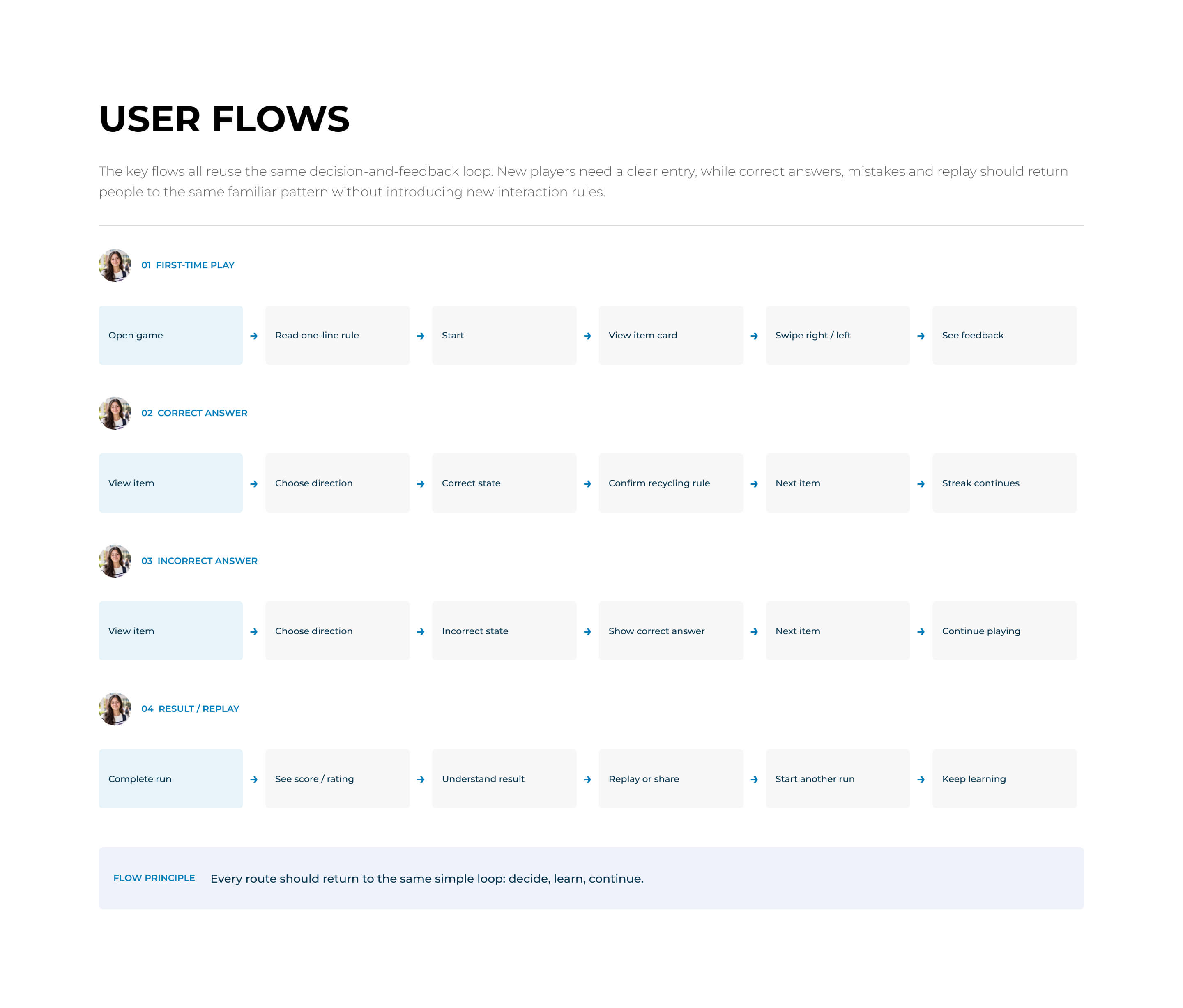
The design centred on a familiar swipe interaction, worked through in UX prototypes across mobile and desktop. The core loop was deliberately simple: see an item, decide, get feedback, continue.
The scoring mechanic was used to encourage re-engagement and multiple replays. A visible run of correct answers and a final rating gave people a reason to try again, using repetition to help the recycling rules stick.